Cloud Gaming Without PC: The Ultimate Guide (2025)
Cloud Gaming Without PC: The Ultimate Guide (2025)
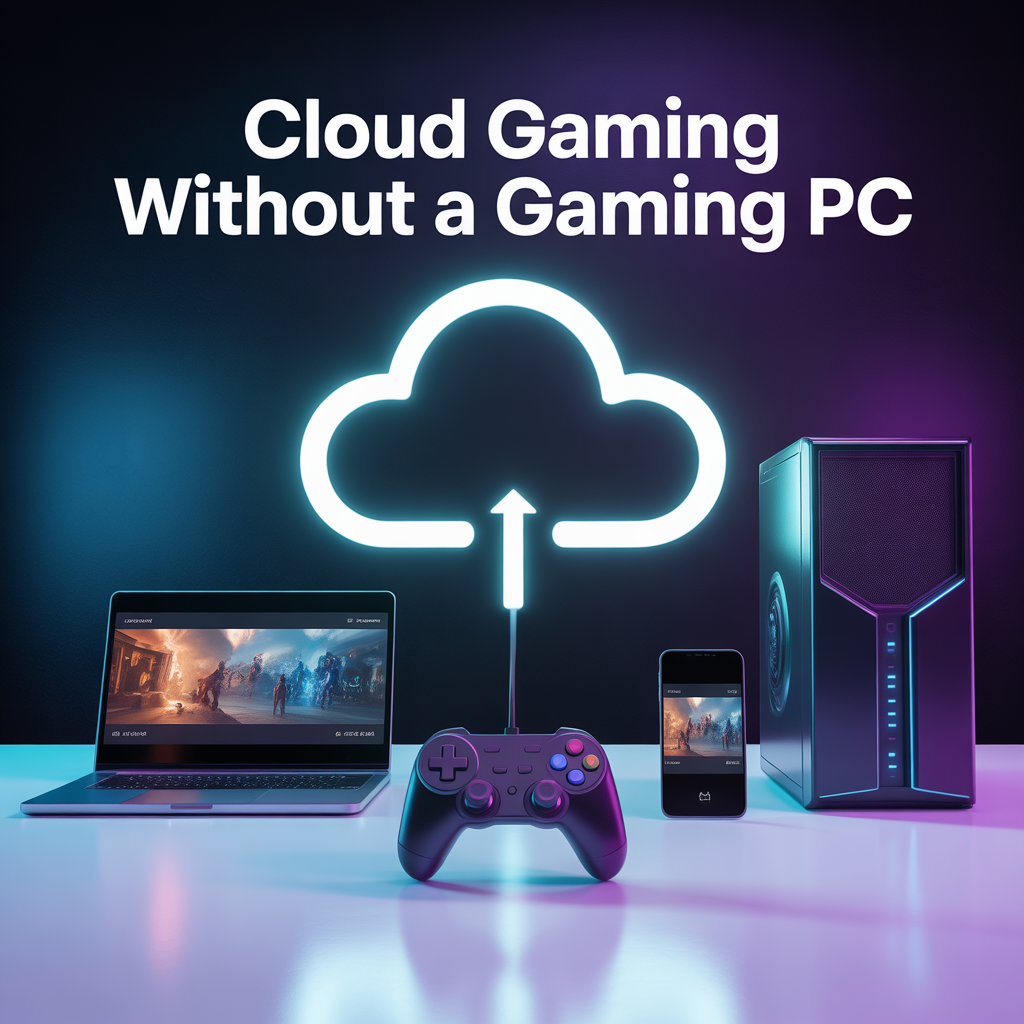
Cloud gaming makes it possible to enjoy modern video games without buying expensive hardware. Today, many players prefer streaming games online instead of investing in a high-end gaming computer or console. With the help of cloud-based gaming services, games run on powerful remote servers and are streamed directly to your device.
This guide explains how you can enjoy cloud gaming without a gaming PC, which devices work best, internet requirements, advantages, disadvantages, and whether this option is worth it in 2025.
Can You Play Cloud Gaming Without PC?
Yes, it is completely possible to play cloud-based games without owning a gaming computer. Gaming in the cloud platforms handle all heavy processing on their servers, while your device only displays the streamed video and sends control inputs.
This approach allows gamers to enjoy high-quality titles even on low-end hardware.
How Cloud Gaming without PC Works
The process is simple and efficient:
You select a game on a cloud gaming service
The game runs on a powerful remote server
Video and audio are streamed to your screen
Your controller or keyboard inputs are sent back instantly
With a stable internet connection, gameplay feels smooth and responsive.
Best Devices for Cloud Gaming Without PC
You can enjoy online game streaming on many devices, including:
Android smartphones and tablets
iPhones and iPads
Budget laptops and Chromebooks
Smart TVs
Streaming devices such as Fire TV or Android TV
As long as your device supports a browser or cloud gaming app, you can play without issues.
Best Cloud Gaming Services Without PC
Several popular platforms allow gaming without expensive hardware:
NVIDIA GeForce Now
Uses existing game libraries like Steam and Epic Games
Offers free and premium plans
Known for strong performance and graphics
Xbox Cloud Gaming
Included with Xbox Game Pass Ultimate
Large collection of popular titles
Works on mobile devices and browsers
Amazon Luna
Beginner-friendly interface
Works well on Fire TV and web browsers
Channel-based subscription model
Internet Requirements for Cloud Gaming without PC
To get the best experience while gaming online:
Minimum internet speed: 10–15 Mbps
Recommended speed: 25 Mbps or higher
Stable Wi‑Fi or wired connection
Low latency (ping below 40ms)
Using a wired controller and a 5GHz Wi‑Fi network can further improve performance.
In addition to speed, consistency matters a lot for cloud-based gaming. Frequent internet drops, packet loss, or unstable Wi-Fi signals can cause stuttering, screen freezing, or sudden disconnections during gameplay. That’s why players are advised to avoid public Wi-Fi networks and instead use a private, stable internet connection whenever possible.
For the best results, gamers should also close background downloads, streaming apps, and unnecessary devices connected to the same network. This helps reduce bandwidth congestion and ensures smoother gameplay, especially during fast-paced or competitive games.
Advantages of Playing Games
No need to buy costly hardware
Play on multiple devices
Instant access without downloads
Ideal for beginners and casual gamers
Lower overall cost
Disadvantages of Cloud-Based Gaming
Depends heavily on internet quality
Input lag can affect competitive play
Monthly subscriptions may add up
Limited offline access
Is Cloud Gaming Without a Gaming PC Worth It in 2025?
Yes, for most casual and budget-conscious players, cloud gaming without dedicated hardware is a smart choice in 2025. Improved server infrastructure and faster internet speeds have made game streaming more reliable than ever.
If you want to enjoy modern games without spending money on a gaming setup, this approach offers excellent value.
Frequently Asked Questions (FAQs)
Can cloud gaming run on low-end laptops?
Yes, most onlone gaming services work well on low-end laptops as long as the internet connection is stable.
Is online game streaming cheaper than buying a gaming PC?
In most cases, yes. Subscriptions cost far less than purchasing and upgrading gaming hardware.
Does cloud gaming consume a lot of data?
Streaming games can use between 5–15 GB of data per hour depending on resolution and settings.